
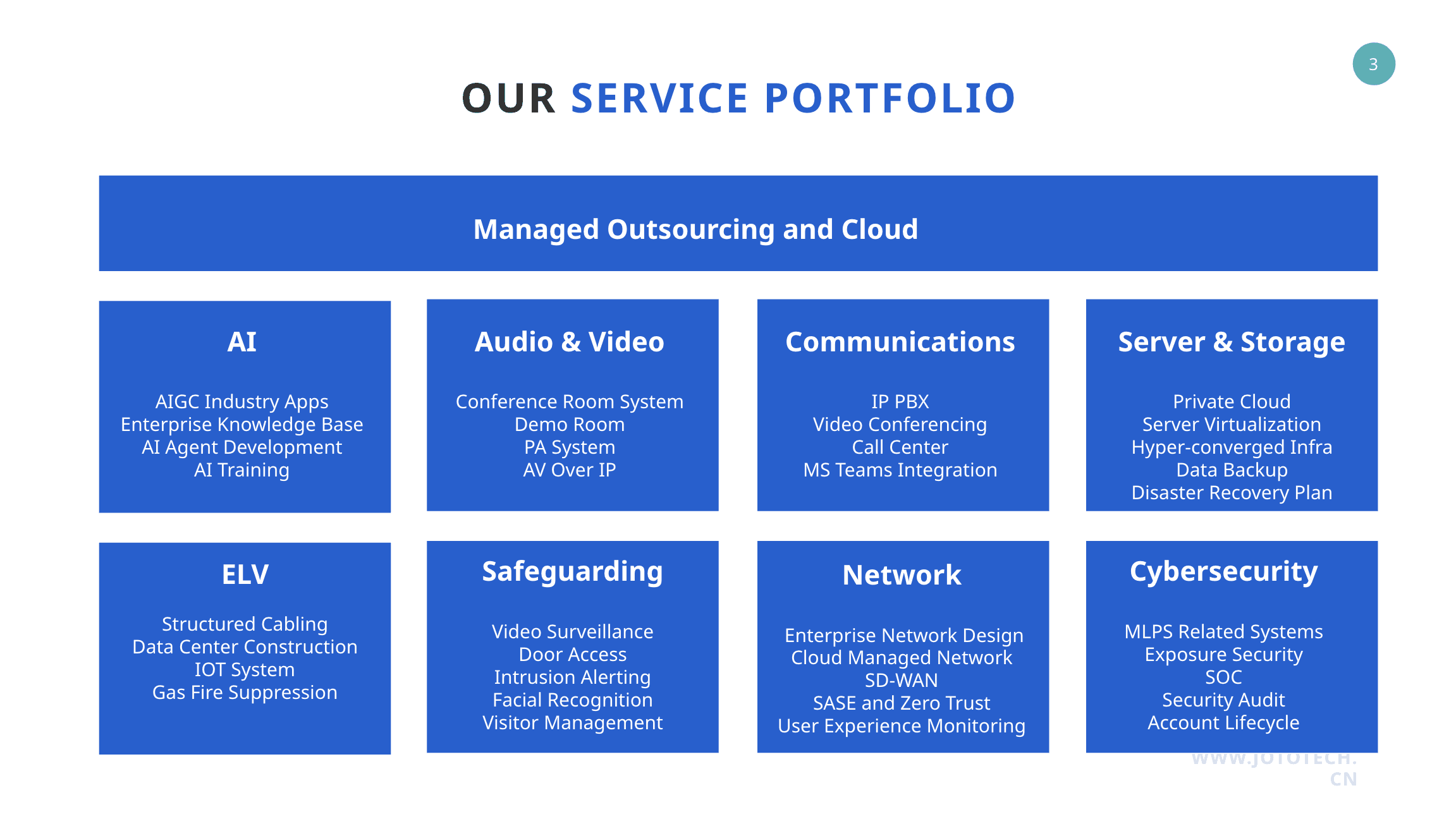
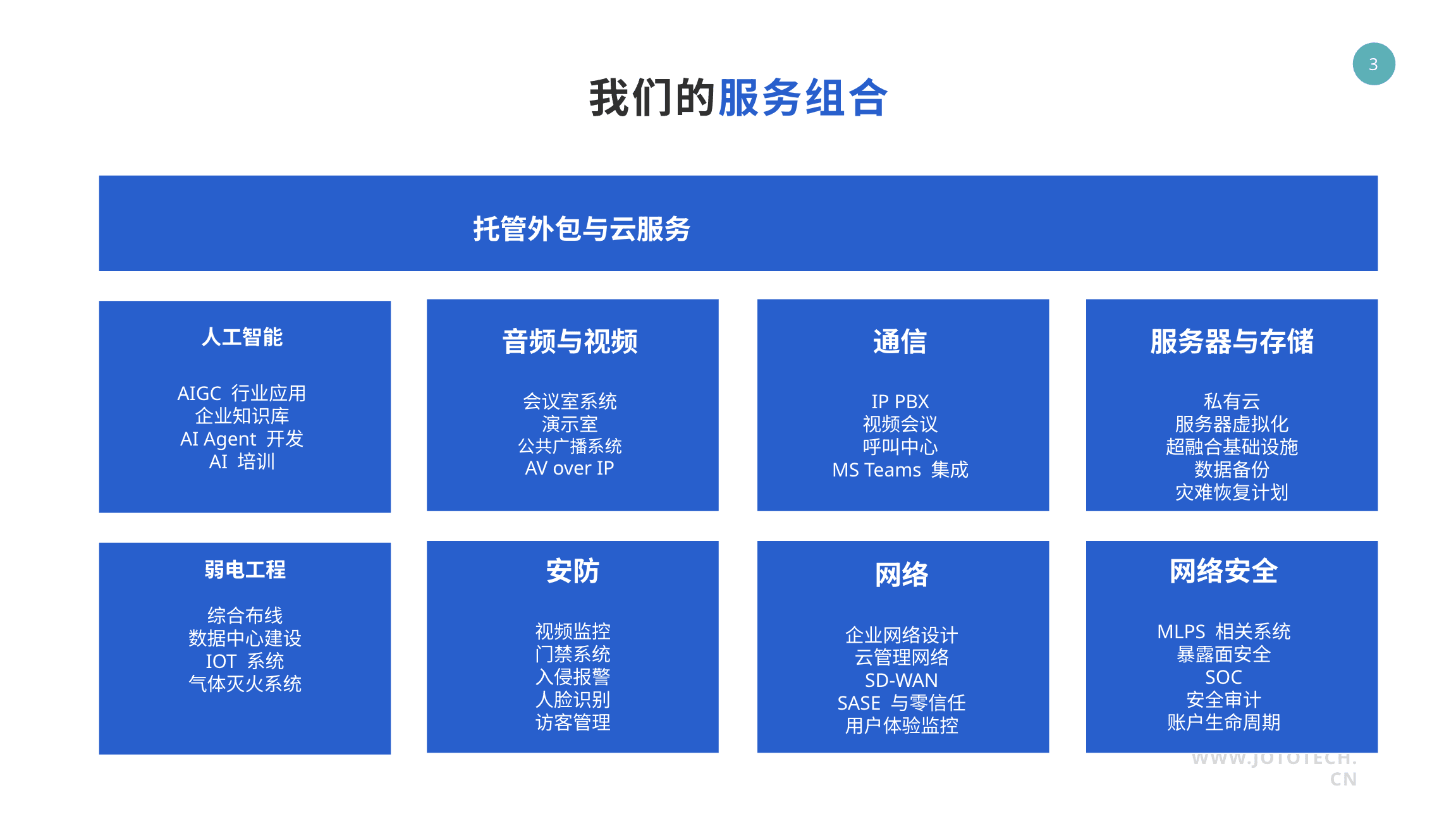
Original layout, preserved
Paragraphs, tables, image positions and font styles are written back into the original structure. Word and PowerPoint stay editable.
Enterprise AI document translation · Self-hostable
Upload PDF, Word, PowerPoint or Excel files and get a translation with the layout intact. Terminology stays consistent, and it can run inside your own network.
Document Translation
A more accurate document translation service.


Click or drag to upload a document
 AI Must Embrace Specialization.pdf565.69 KB
Supports DOCX, PPTX, PDF, XLSX, MD and TXT formats
Only one file can be uploaded at a time
Maximum file size: 150 MB
Source Language
EnglishTarget Language
Simplified ChineseSelect Translation Model
Deepseek V4.1 FlashRecommendedGlossary (Optional)
AI & Cloud · 人工智能与云服务Translate these files end to end
Paragraphs, tables, image positions and font styles are written back into the original structure. Word and PowerPoint stay editable.
Recurring terms and names are unified across the document before translation, and manual glossary entries always win.
The on-premises edition runs in your data center or private cloud and connects to your own model services.
Complex PDFs
PDF translations are refilled block by block, keeping reading order and image positions, and protected formulas and numbering are restored as-is.
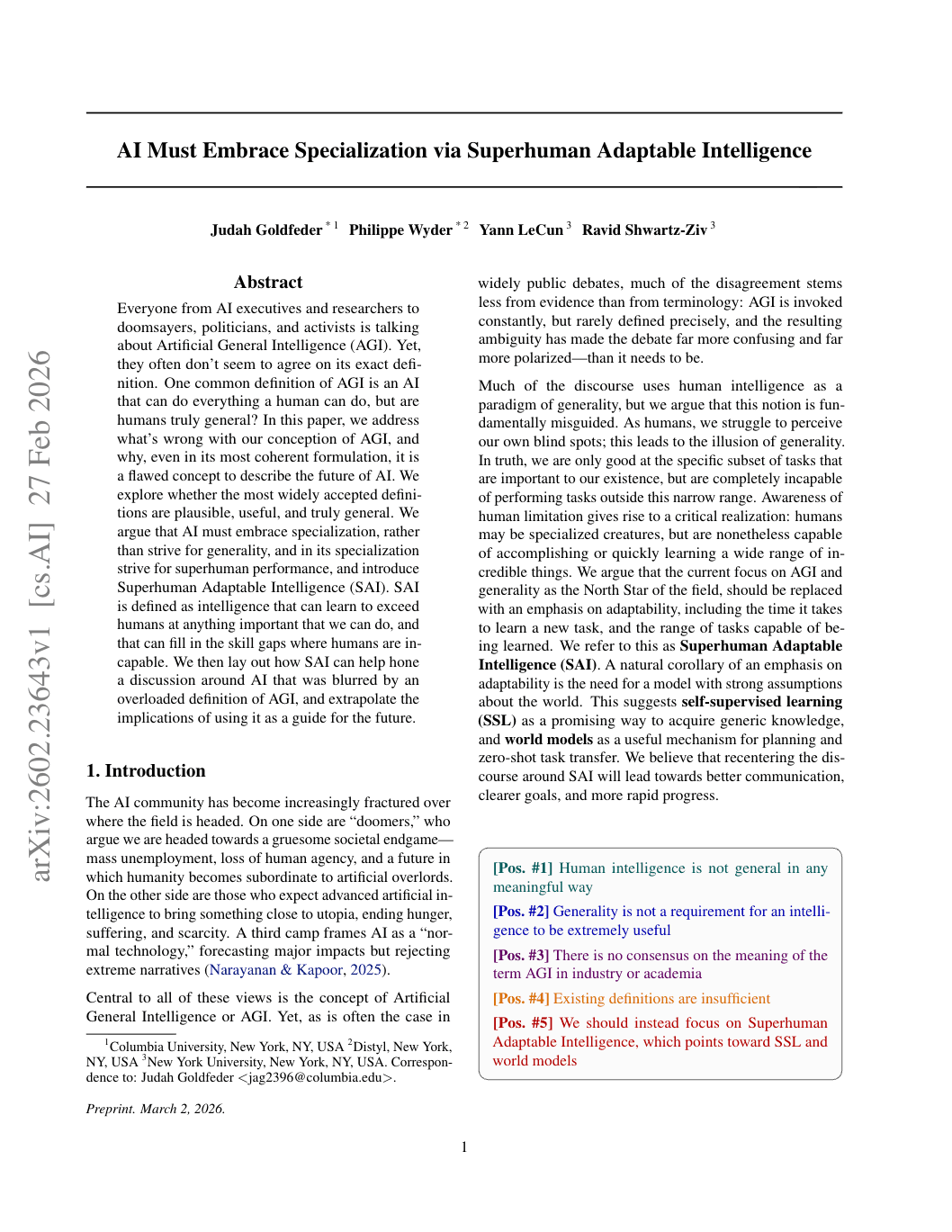
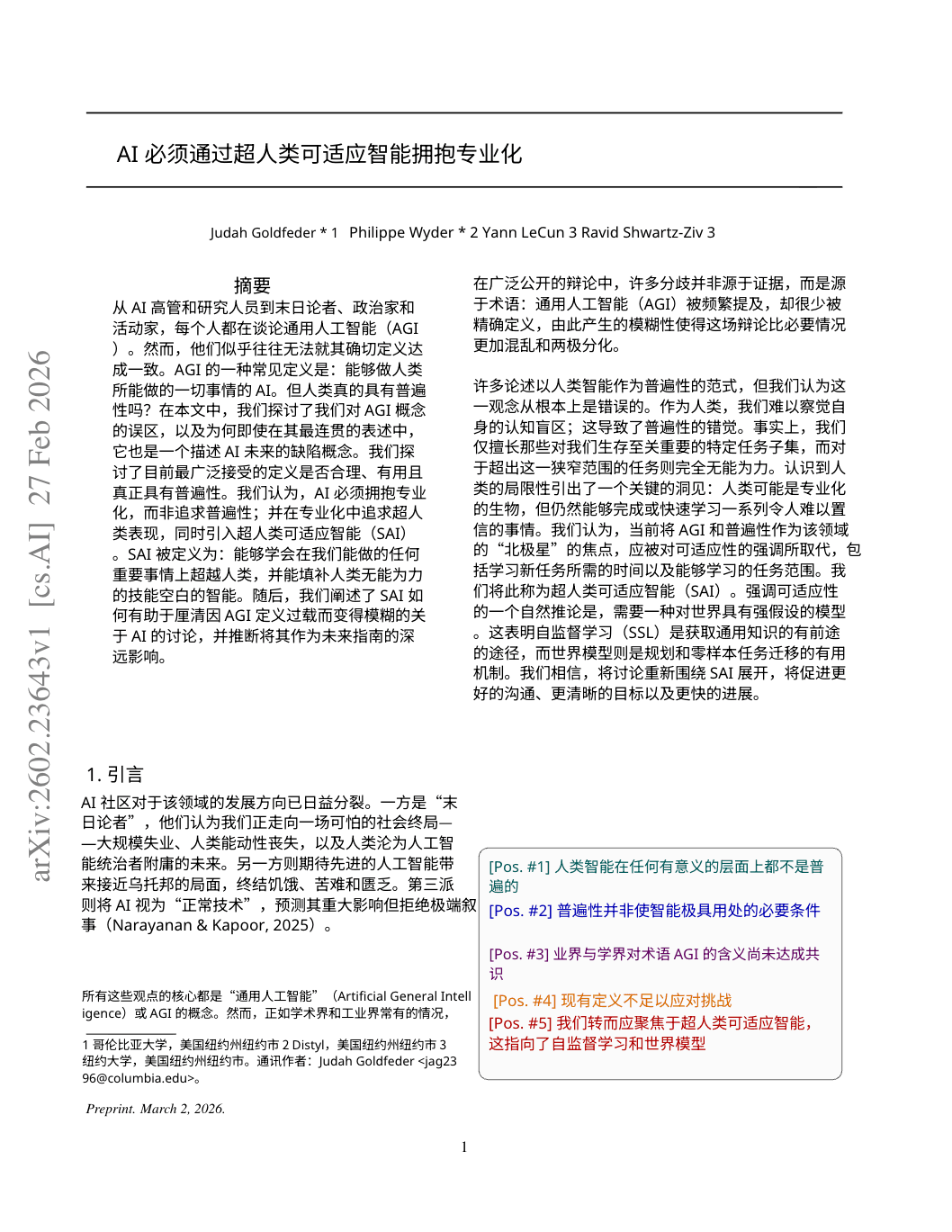
Word & PowerPoint
Bold, highlights, tables and paragraph hierarchy are kept. Download the translation and keep editing, commenting and passing it on.
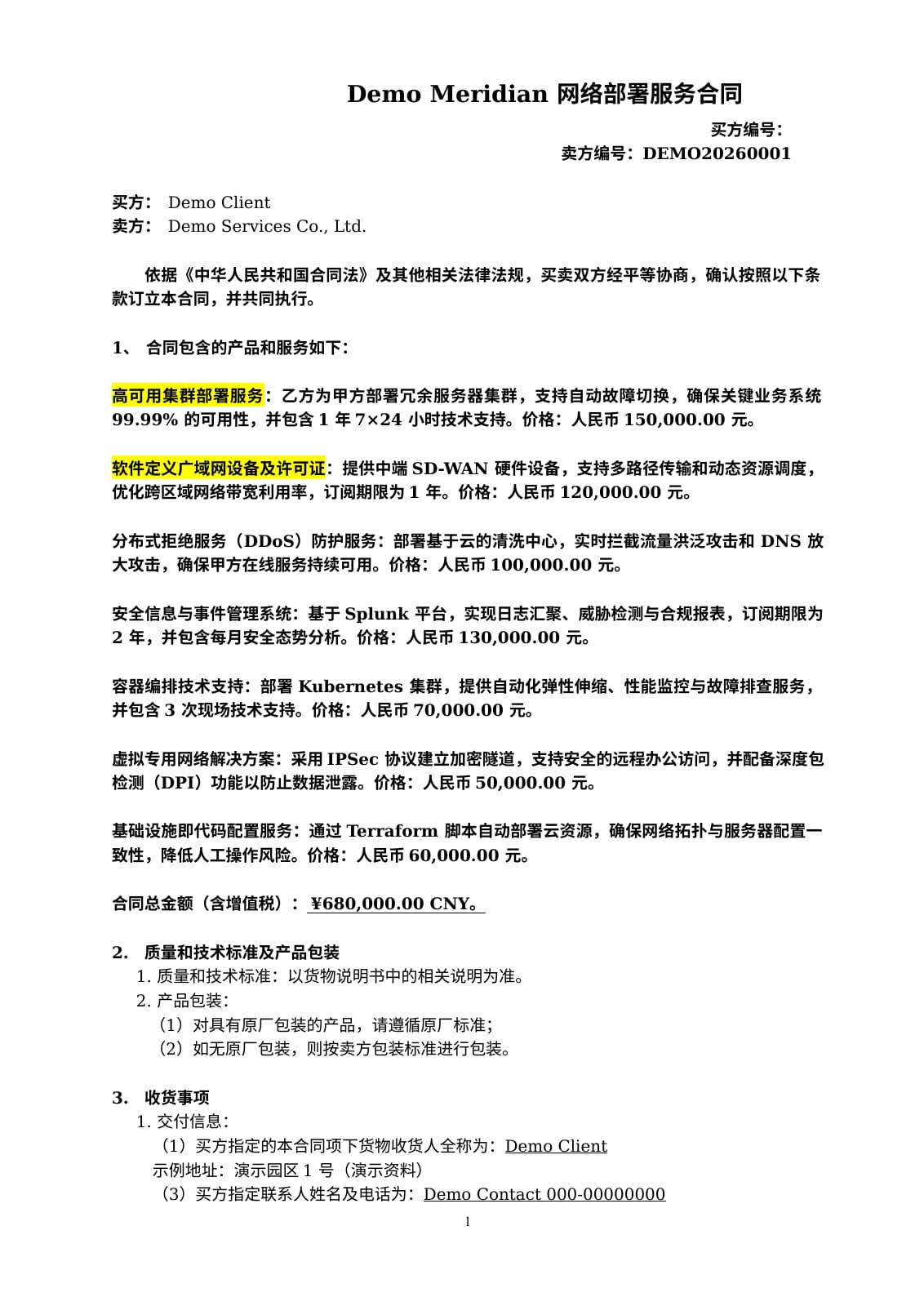
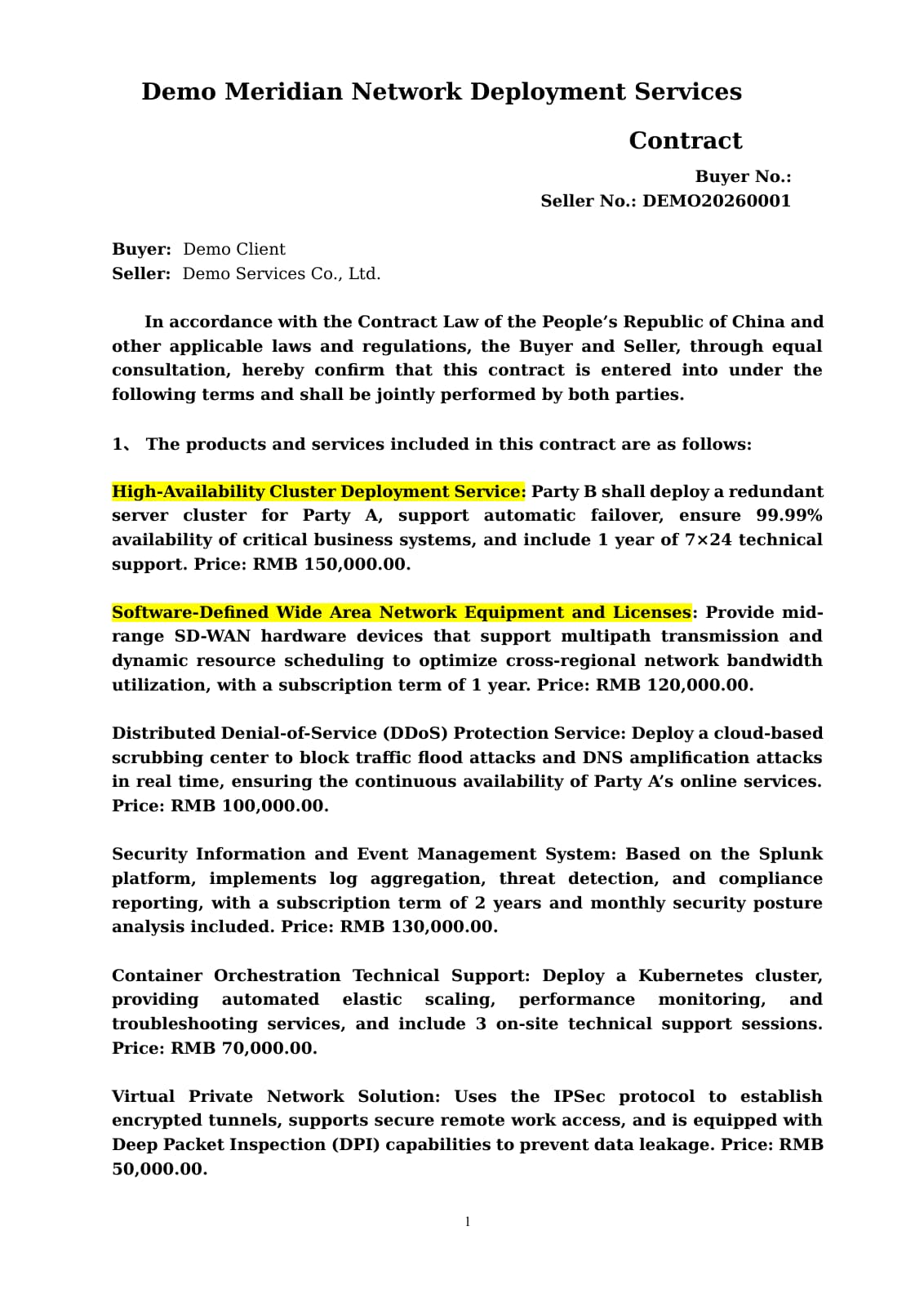
PDF and Word can be exported with source and translation side by side for easier review.
No need to wait on large files: a download link is emailed to you when the task finishes.
Vietnamese, Khmer, Bengali and other complex scripts are shaped and line-broken correctly.
Security & governance
For legal, finance and R&D teams with sensitive content: control over deployment, identity, permissions and secrets.
On-premises, sources, translations and glossaries are stored on your own servers and storage.
Configure several model services with priorities, switch or disable them anytime, including models hosted internally.
OAuth 2.0 / OIDC / SAML, so employees sign in with their existing accounts.
Data is isolated per workspace, with separate control over member roles and glossary access.
Model API keys are stored encrypted and only shown masked in the admin console.
Every model call and token count is logged for cost tracking and troubleshooting.
Deployment
Both editions share the same translation engine. Pick the one that matches your data policy and ops capacity.
Sign up and start, nothing to operate
Runs in your data center or private cloud, files stay with you
FAQ
PDF, Word (.docx), PowerPoint (.pptx), Excel (.xlsx), common image formats, and Markdown / TXT. Target languages include Simplified Chinese, Traditional Chinese (Taiwan / Hong Kong), English, Japanese, Korean, French, German, Spanish, Russian, Vietnamese, Khmer and Bengali.
The translation is written back into the original paragraphs, tables, images and styles, and Word and PowerPoint files remain natively editable. Because text length varies between languages, very tightly packed pages may need a small manual touch-up.
A server that runs Docker 20.10+ and Docker Compose v2, plus a reachable model service (an OpenAI-compatible API, Azure OpenAI or an internally hosted model). Contact us and we will size it for your document volume.
Yes. The on-premises edition connects to OpenAI-compatible APIs and Azure OpenAI. Admins can configure several model services with priorities, including models running inside your network.
Maintain names and preferred translations in glossaries, with Excel import and export. Before translating, recurring terms across the document are resolved, with manual glossary entries taking priority.
Translation capabilities are the same. The cloud edition offers open sign-up and usage-based billing with nothing to operate; the on-premises edition is provisioned by your admins and adds internal deployment, your own models, SSO and custom branding.
Upload a real file and see how the translated layout holds up. Planning an on-premises rollout? Talk to us directly.
Click or drag to upload a documentAvailable in the workspace after sign-up